
Free tool · No sign-in · Updated 18 October 2026
Free eBay listing templates: pick a design, add your item, copy the HTML
Pick a free eBay listing template, type your item’s details and copy the finished HTML. All 19 designs fit phones and computers, and none uses JavaScript, which eBay does not allow.
Free eBay listing template generator
In shortPick a design, type your item over the example, and copy the HTML.
1. Pick a design
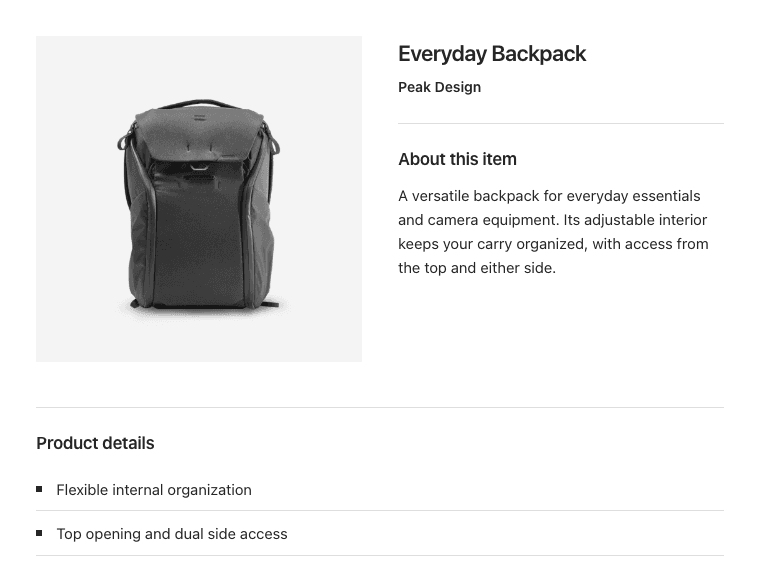 Essential
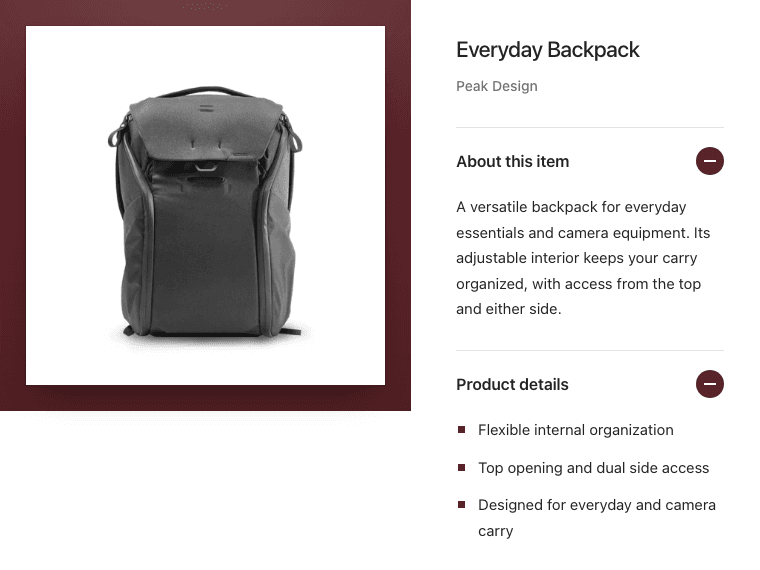 Showcase
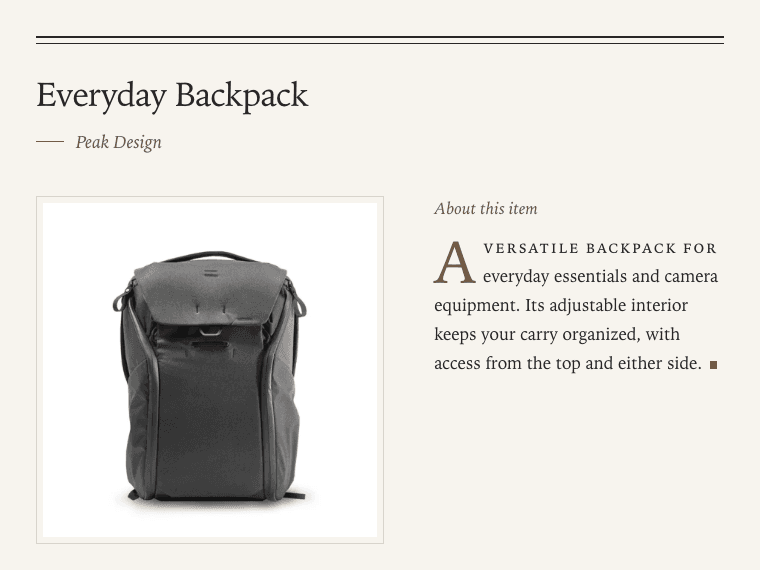 Editorial
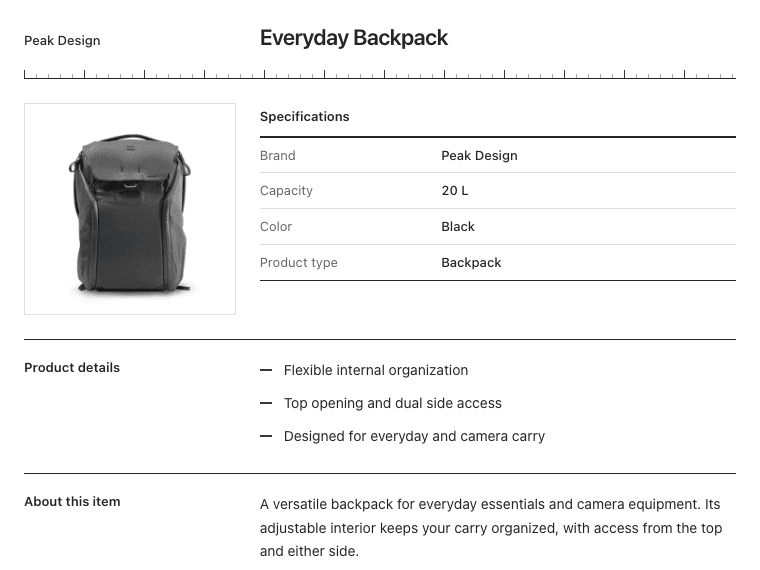 Technical
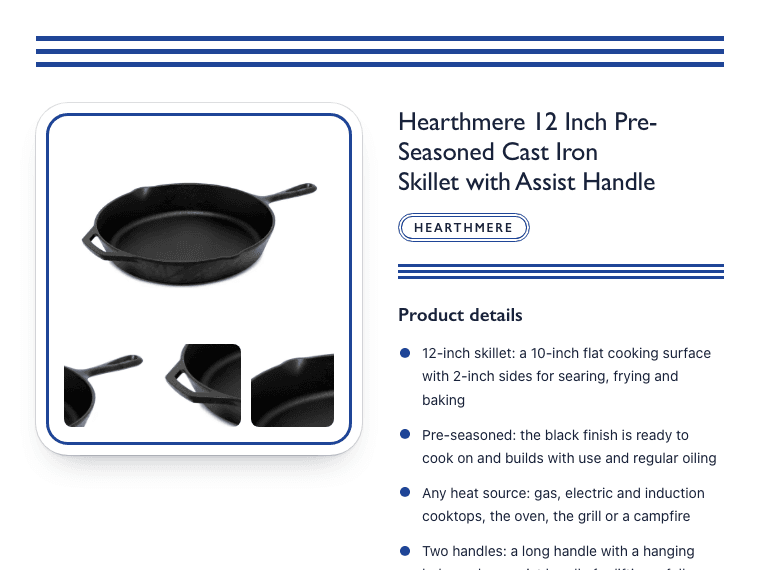 Home & Garden
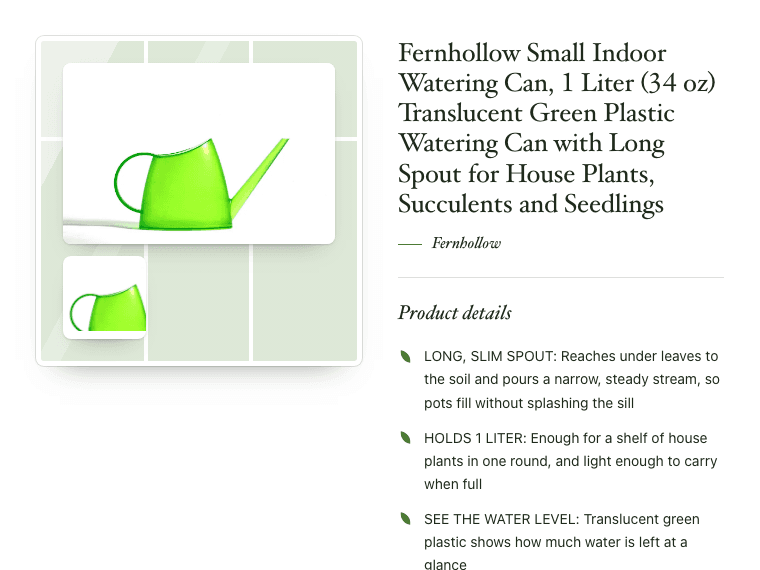 Garden & Outdoor
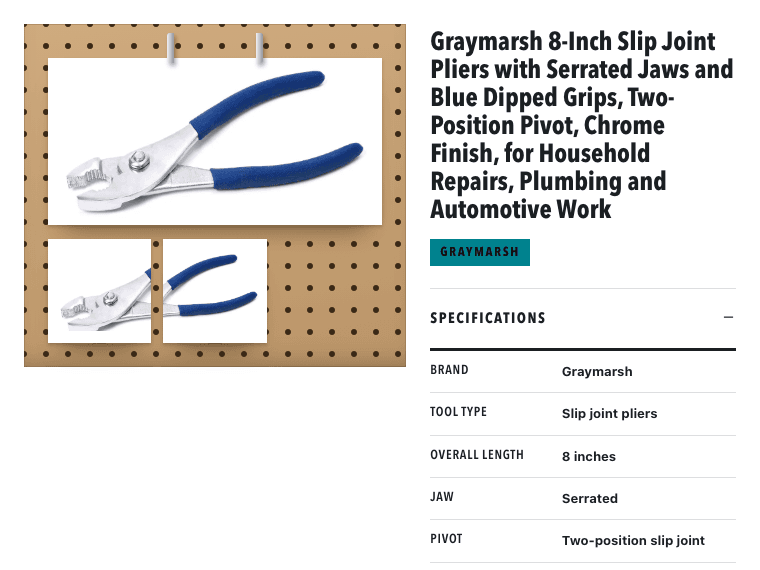 Tools & Home Improvement
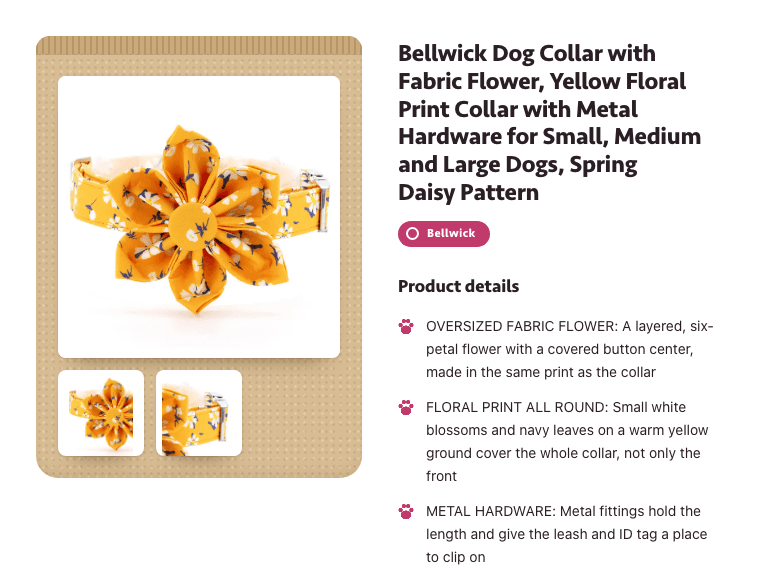 Pet Supplies
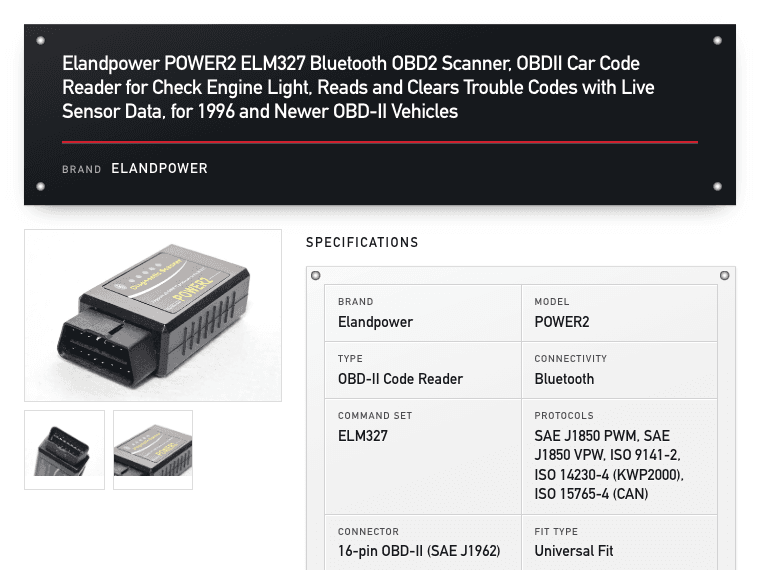 Auto Parts
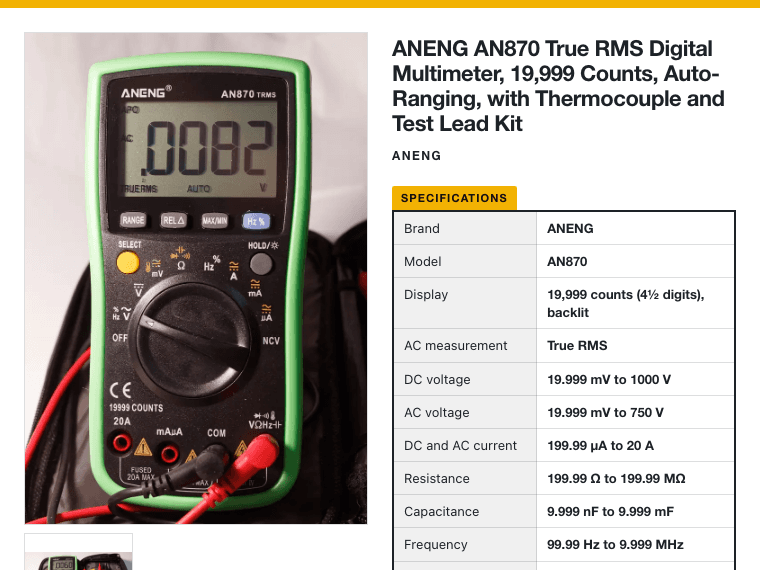 Industrial & Office
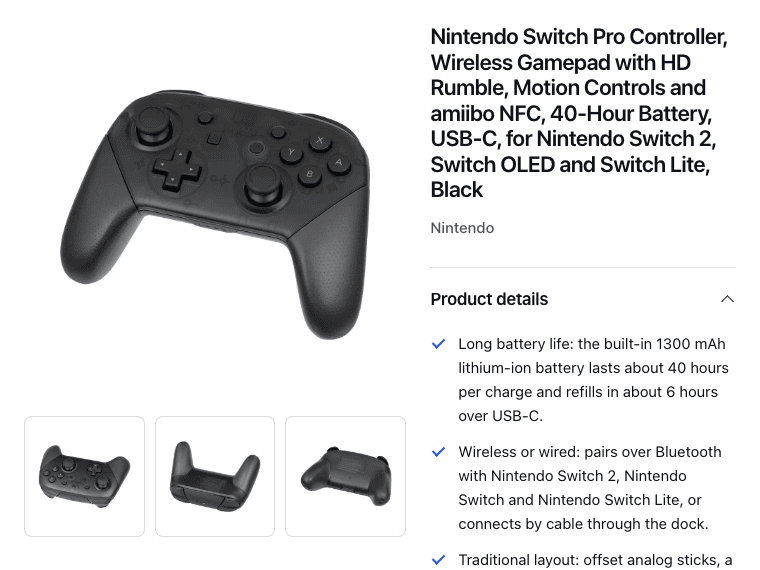 Electronics
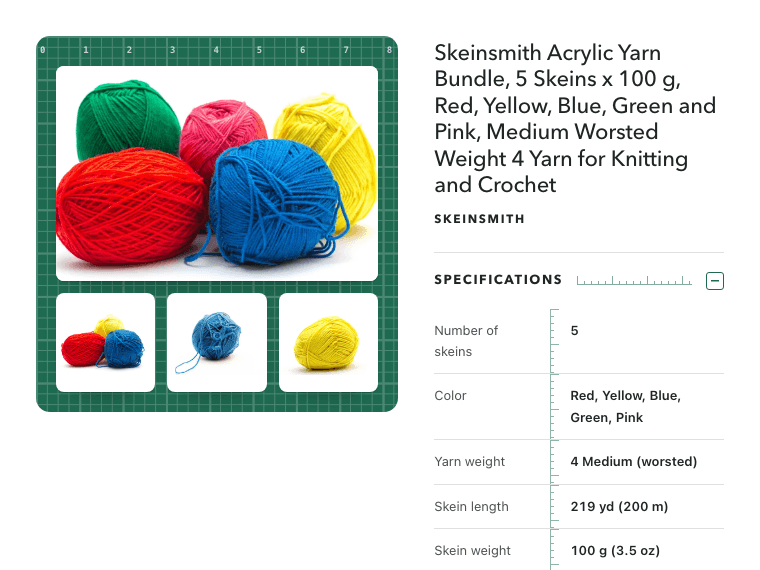 Crafts
 Health & Beauty
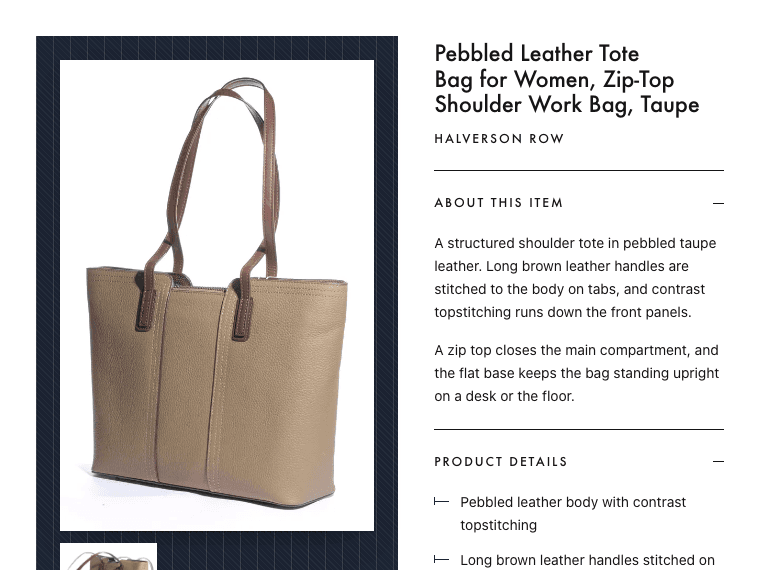 Fashion & Jewelry
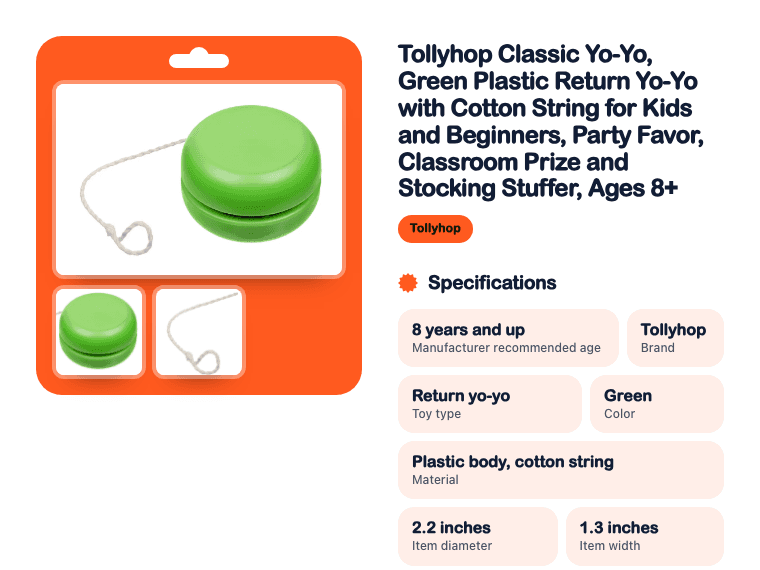 Sports & Toys
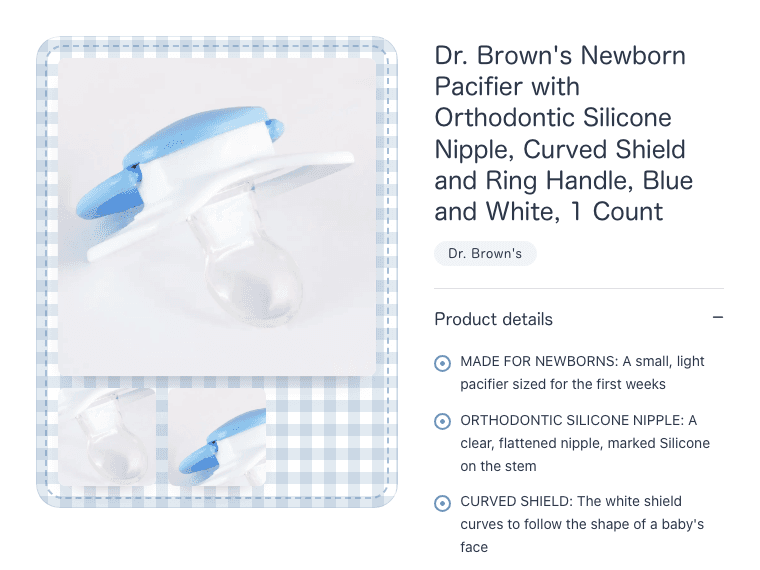 Baby
Baby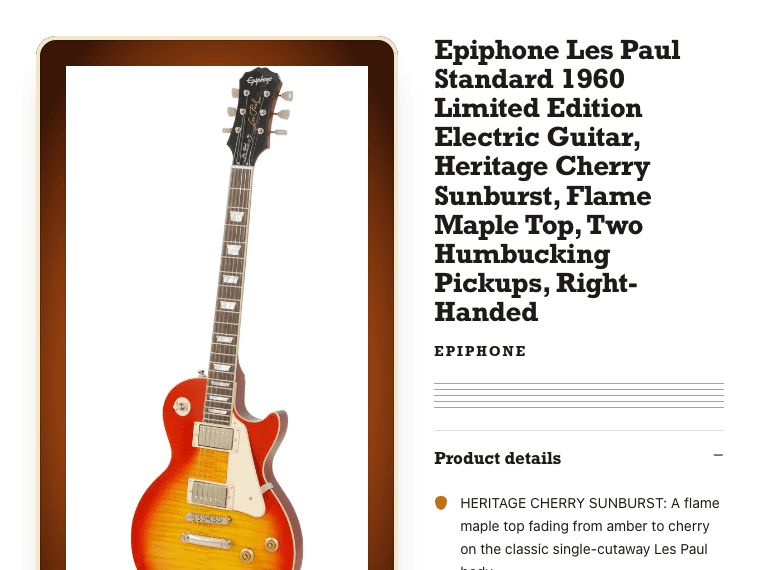 Musical Instruments
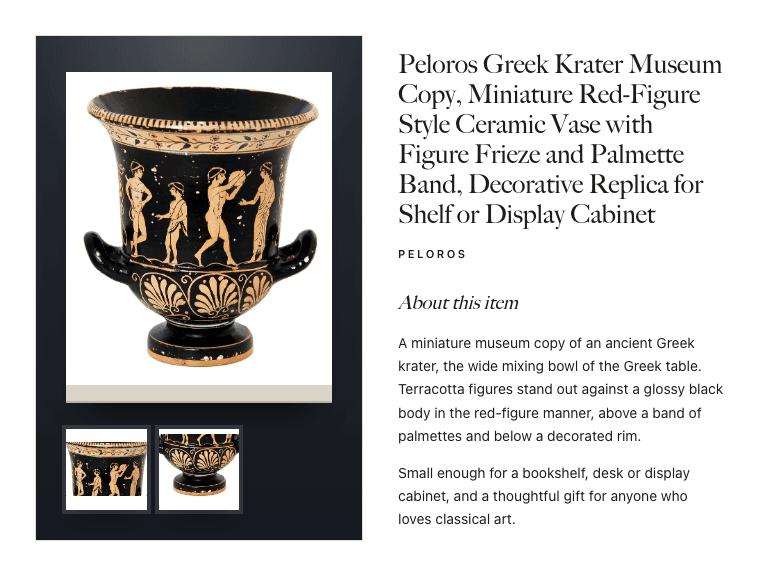 Collectibles & Art
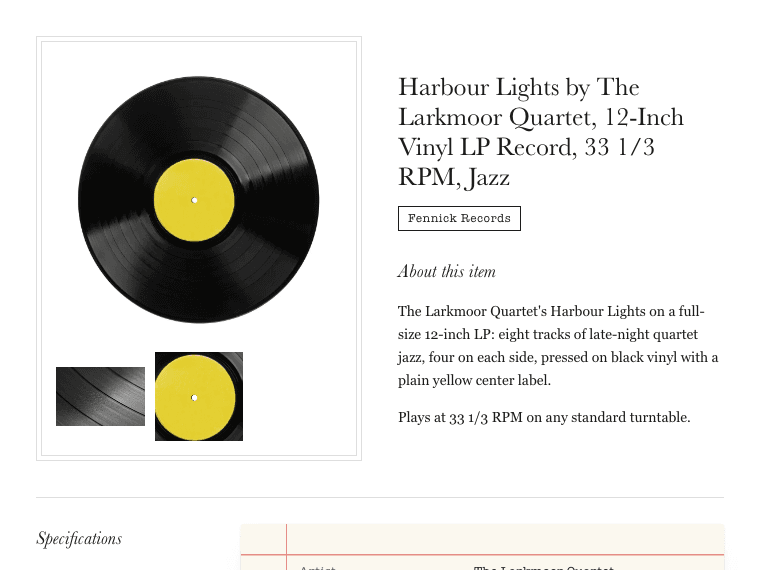 Books & Media
Essential: A studio photo plate, a firm title and quietly ruled details.
3. Check it, then copy the HTML
Show the HTML
How to add the template to your eBay listing
In shortSwitch eBay’s description box to HTML, paste, and check the preview.
- Click Copy the HTML above.
- In eBay’s listing form, go to the Description section and select Show all options.
- In the pop-up, select See more options, then tick Show HTML code.
- Delete what is in the box, paste the template and save.
- Preview the listing on a computer and on a phone before you list it.
These steps follow eBay’s help for its advanced listing tool. Add your listing photos in eBay’s own photo section as usual. Photo links in the generator only add pictures inside the description.
What eBay allows in a description
In shortPlain HTML and styles. No scripts, and almost no links.
eBay blocks active content, like JavaScript, plug-ins and forms. eBay also bans most links to other websites. None of the 19 designs uses a script or a link. Keep it that way when you edit the HTML.
- Fits every screenEach design sets its layout for phones. Columns stack and photos shrink. Use the Phone preview to check.
- Only https photo linksThe generator leaves out photo links that do not start with https, so the description does not show broken pictures.
- Your words, escapedText you type is shown as text. Angle brackets and quotes cannot break the page.
Common questions
Are these eBay listing templates free?
Yes, all 19, with no account. The generator runs in your browser. Nothing you type is sent or saved.
How do I add HTML to my eBay listing?
Tick Show HTML code in the description box, then paste. The steps above show the way in eBay’s listing form.
Do the templates work on phones?
Yes, each design is responsive. On a narrow screen, columns stack and photos fit the width. The Phone preview shows it before you copy.
Can I use JavaScript or links in an eBay description?
No scripts, and only a few kinds of links. eBay blocks active content, and allows links only to product videos or legally required information.
Can I change the colors or the layout?
Yes, in the HTML. Near the top, the article tag sets --accent, --ink and --surface. Change those color codes before you paste.
How Productivo helps
In short19 ready designs, and a different one for each eBay category.
Pasting HTML works for a few listings. In Productivo, the same 19 designs are built in. Pick one for each eBay category, add your banner and colors, and every listing you publish gets its design. A new design can update your live listings too.
Written by the Productivo team. The designs are the ones Productivo publishes with. eBay’s advanced listing tool help, active content policy and links policy, checked 18 October 2026. The example wallet is made up.