
eBay product research tools for your next import.
Product Scanner is an eBay product research tool for Amazon sourcing. It finds items that sell on eBay US and the same product on Amazon. You see the estimated profit before you import.
Compare plansProduct Scanner is included in Pro (400 requests/day) and Scale (1,200 requests/day). A scan can use multiple requests.
 Ceramic table lamp132 sold · $39.90+$11.60
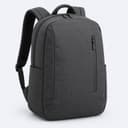 Commuter backpack84 sold · $44.90+$9.53
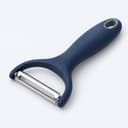 Swivel vegetable peeler61 sold · $12.90+$3.22
 Same product · $20.32
Illustrative Productivo screens throughout this page. Example values, not live market results.
Search eBay by keyword or category
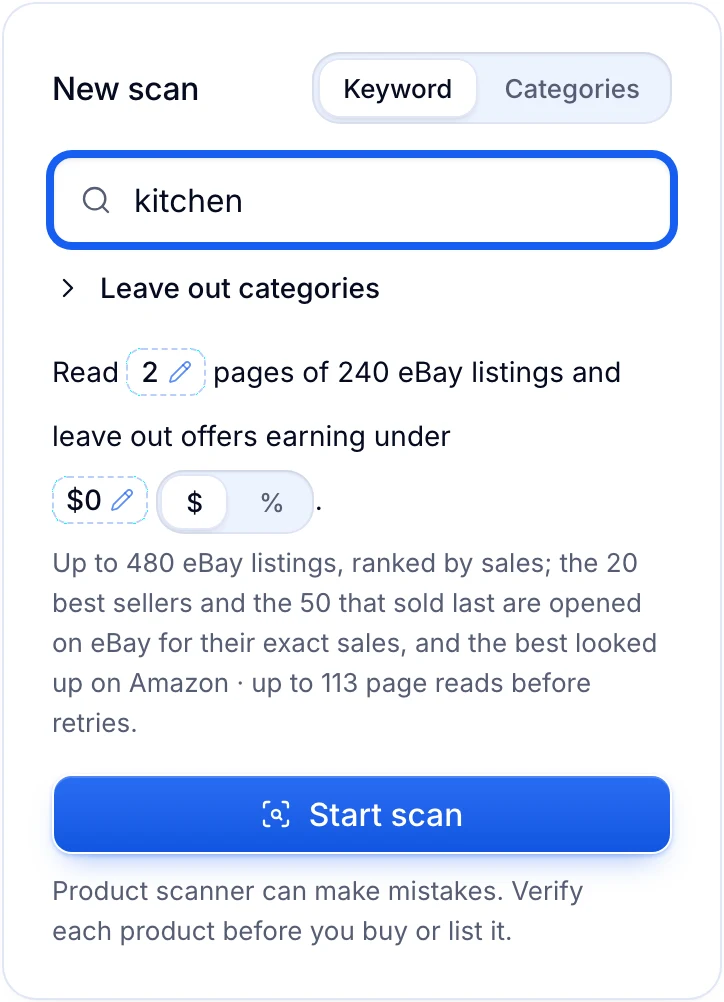
Search eBay US by keyword, or pick up to five categories. Choose how many listing pages to read and the lowest profit you accept. The scan ranks listings by sales and looks up the best sellers on Amazon.
- Pick categories from the first three levels, or leave some out of a keyword search
- Read 1 to 50 pages of 240 listings, with a minimum profit in $ or %
- Pause a scan and resume it later with its progress saved
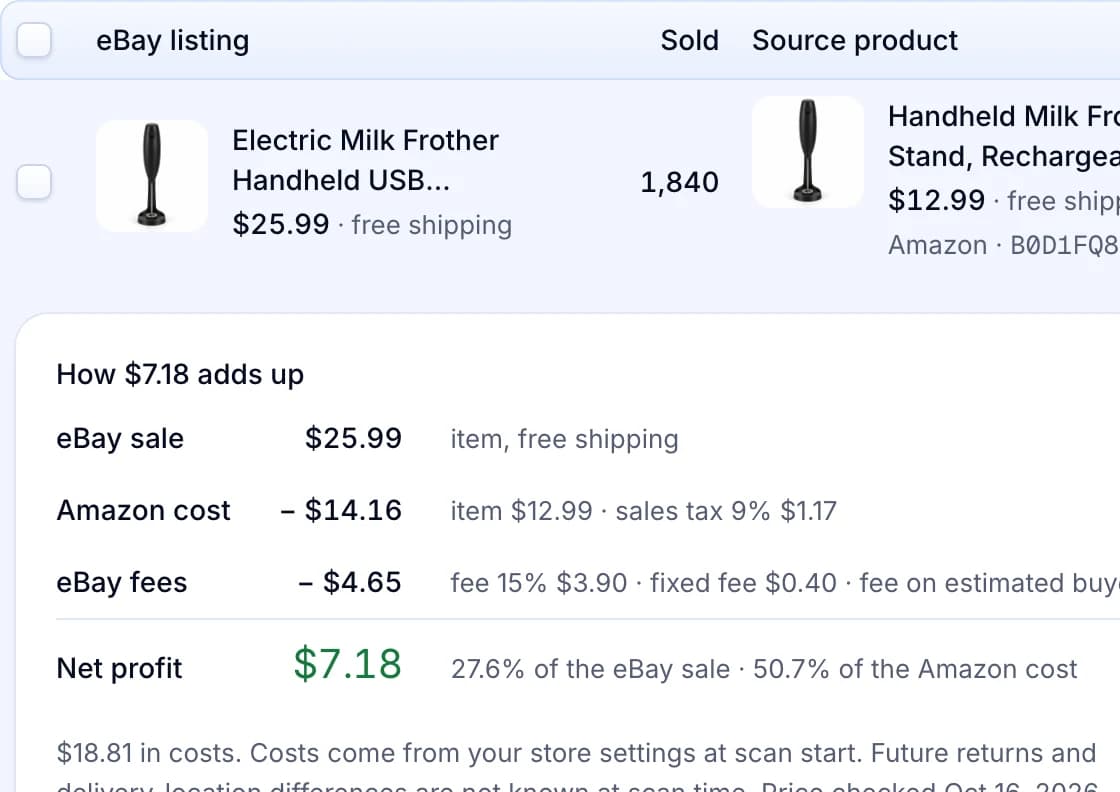
See sold counts, Amazon matches and profit together
Each result shows the eBay listing, how many sold and the matching Amazon product. Open the cost breakdown to see the eBay fees, the Amazon cost and your net profit. You only see matches that are confident and profitable at your pricing.
- Sort by most sold, net profit, margin or match score
- Open the Amazon listing and see when its price was checked
- Costs use your store’s pricing settings from the moment the scan started
Add the matches you want to Products
Tick the Amazon matches you want and add them to Products for your store. They go through your normal import and approval steps. Adding a match does not publish it; your approval and auto-approve rules decide that.
- Only Amazon offers with an ASIN can be added to Products
- Add one match or up to 50 at a time
- Products you already track show as In Products

Where the eBay product research tool helps
Your first products to list
You are starting an Amazon to eBay store and don’t know what to list. Scan a keyword or a few categories. You start from items that already sell, with the profit worked out.
DropshippingMore items in a niche that works
Your kitchen listings sell and you want more like them. Scan a keyword such as coffee and leave out the categories you already cover. You find new items outside them.
A cheaper source for your best sellers
Reports › Top sellers lists the products that sell best in your store. Tick up to 20 and the scanner looks for the same product cheaper. You keep more on items that already sell.
A profit check before you import
You want to know what an item leaves you after fees. The cost breakdown shows the eBay fees, Amazon cost and net profit of each match at your pricing. You drop thin items before they reach your store.
Research that fits around your day
A scan runs in the background, and you can pause it. Scan history keeps the results, prices and cost settings of every scan. Come back to a scan and add products when you have time.
Product Scanner questions
Doing it by hand? eBay product research: how to find items worth testing · Terapeak on eBay: how to use every filter and figure
Pro and Scale include Product Scanner. Pro gives 400 requests a day and Scale gives 1,200. Starter and Basic do not include it.
No. One scan uses many requests while it reads eBay pages and checks Amazon. New scan shows the estimated page reads before you start.
It resets at 00:00 UTC. If a scan reaches the limit, it pauses with its progress saved, and you resume it after the reset. Account › Limits shows your usage, shared by all your stores.
No. Only Amazon offers with an ASIN can become Products. Offers from other US stores can appear for comparison, and you buy those from the store yourself.
It compares each eBay item with Amazon products and keeps confident matches that are profitable at your pricing. Check results and reasons shows why the other items did not qualify.
No. A sold count shows past sales on eBay, not future demand. The scanner can make mistakes, so check the match, price, stock and delivery before you buy or list.
Still have questions?
Ask our team in live chat.