
Custom eBay listing templates Every listing,
dressed for its category.
Pick from 19 ready eBay listing templates, add your banner and colors, and give each eBay category the design that suits it.
Start free trialIncluded in every plan.
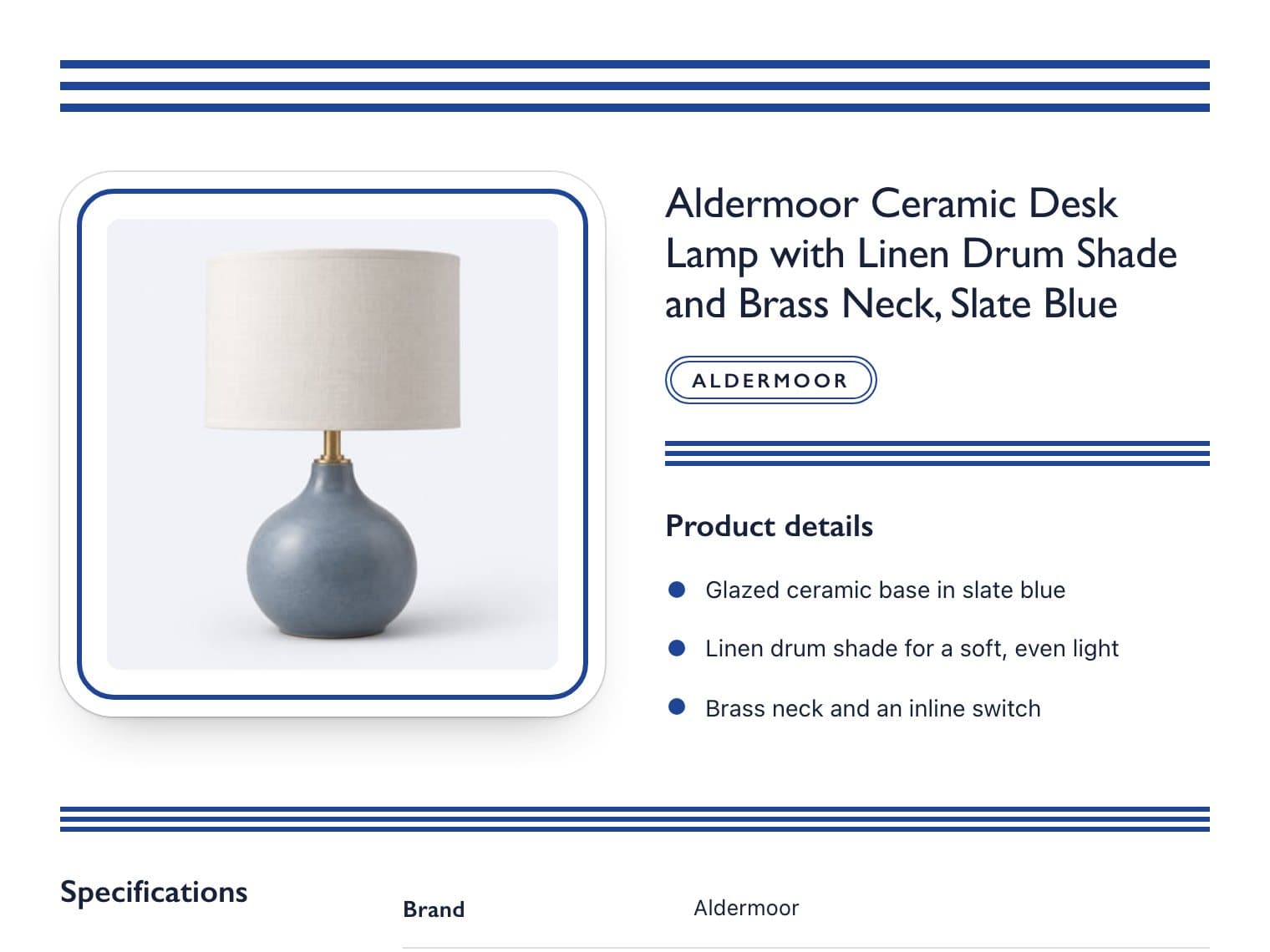 Home & GardenHome & Garden
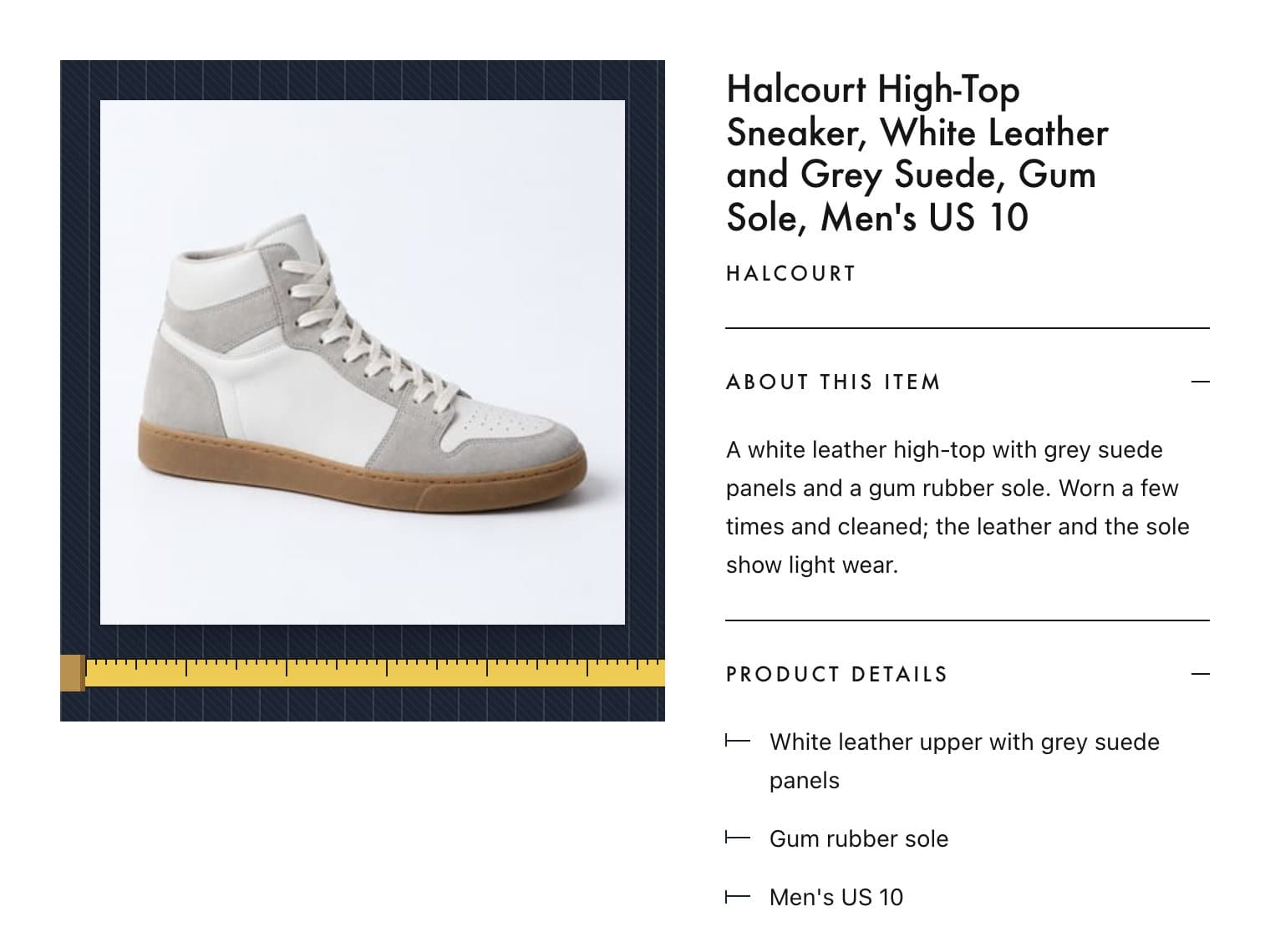 Clothing, Shoes & AccessoriesFashion & Jewelry
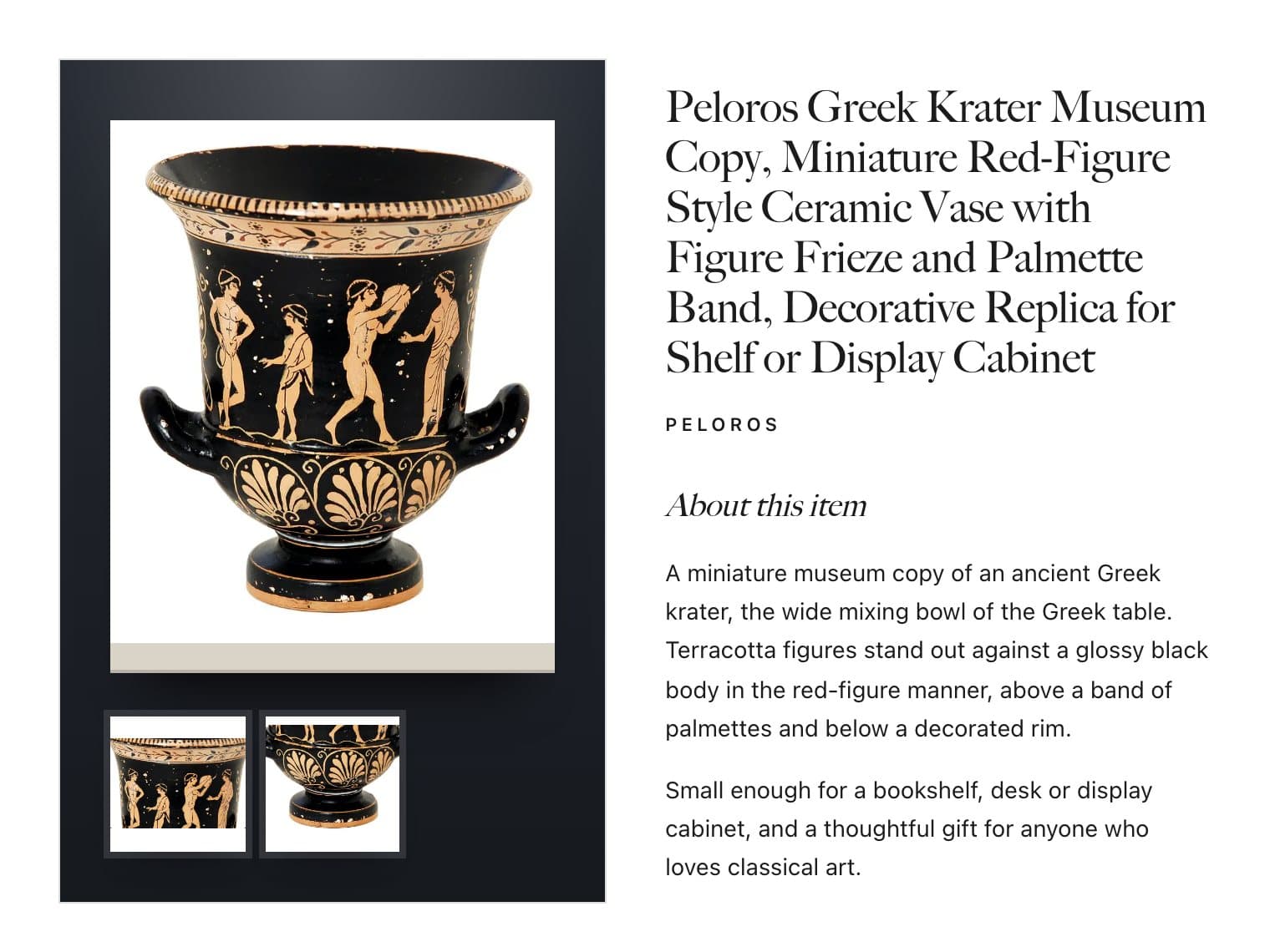 Pottery & GlassCollectibles & Art
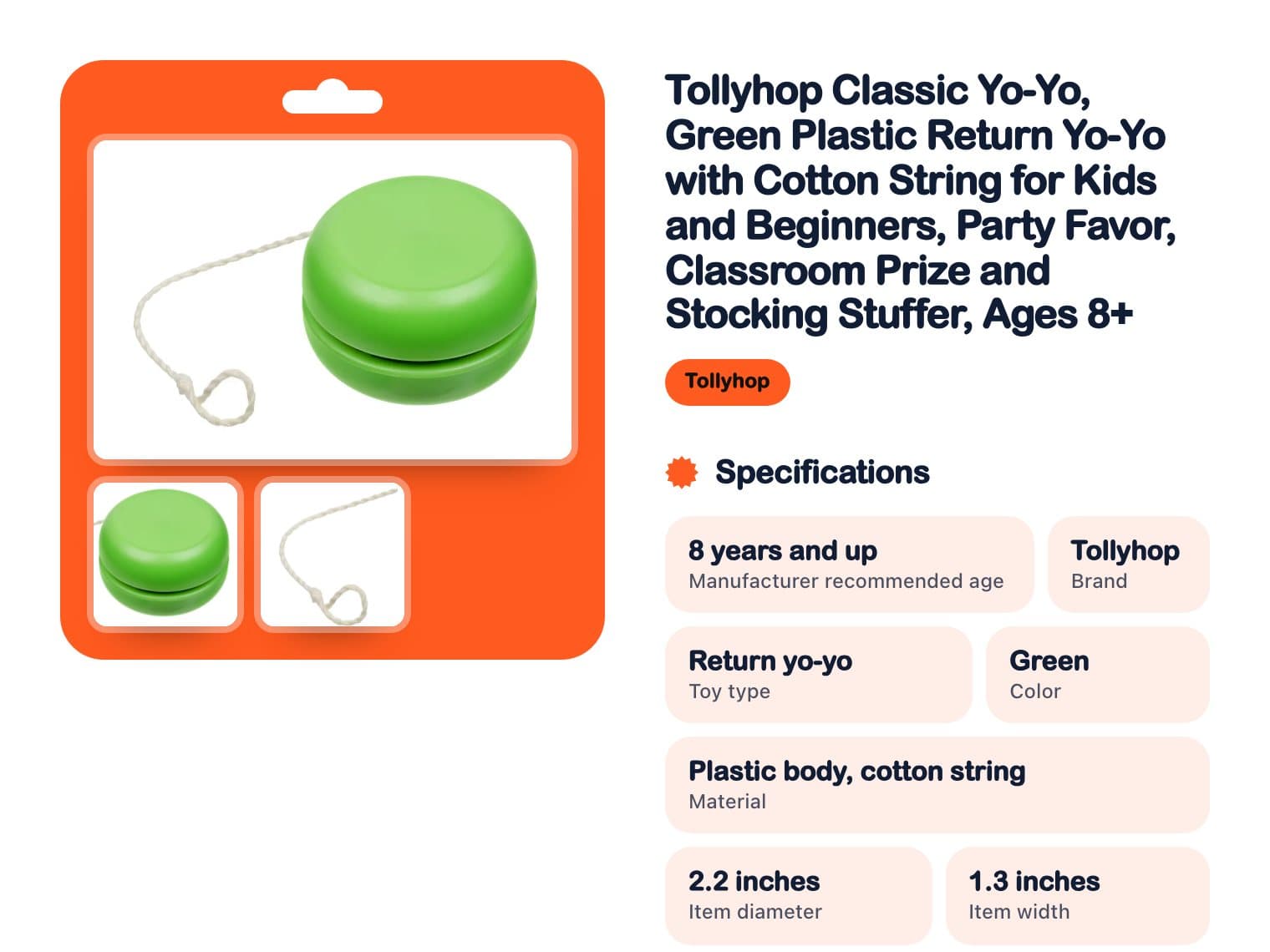 Toys & HobbiesSports & Toys
 Home & Garden › Lamps, Lighting & Ceiling FansClothing, Shoes & Accessories › Men's ShoesPottery & Glass › Decorative PotteryToys & Hobbies › Classic Toys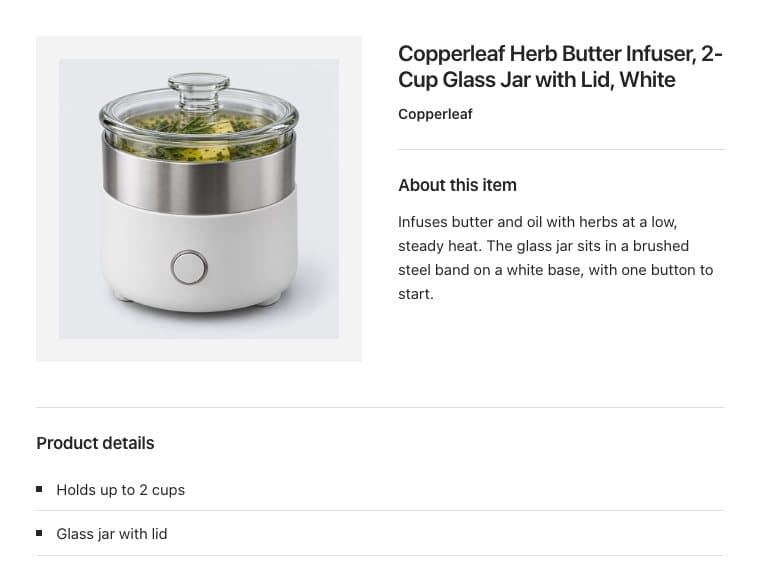
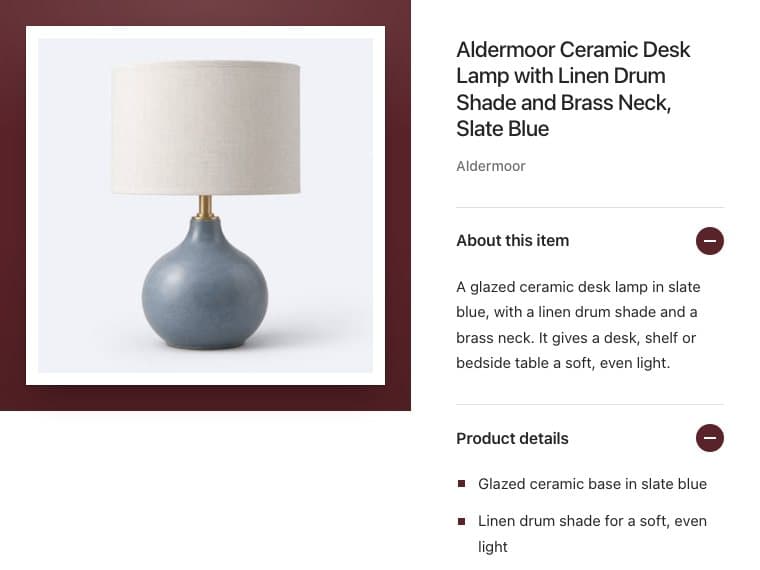
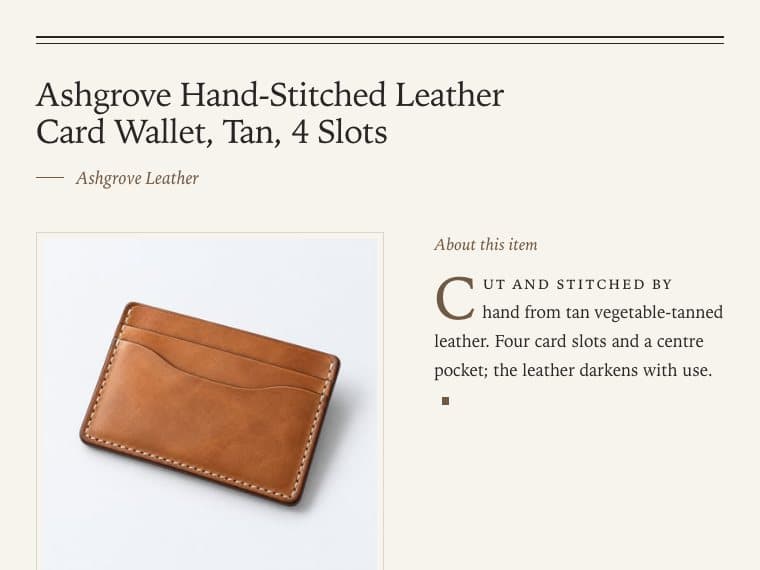
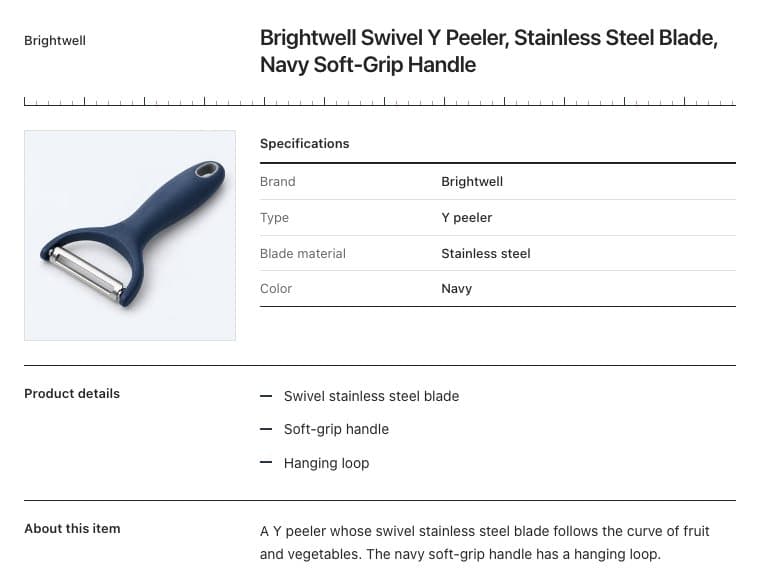
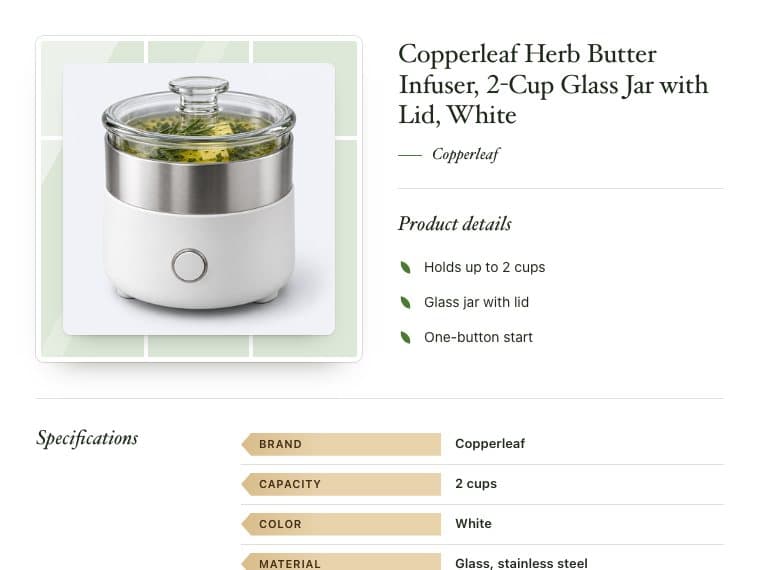
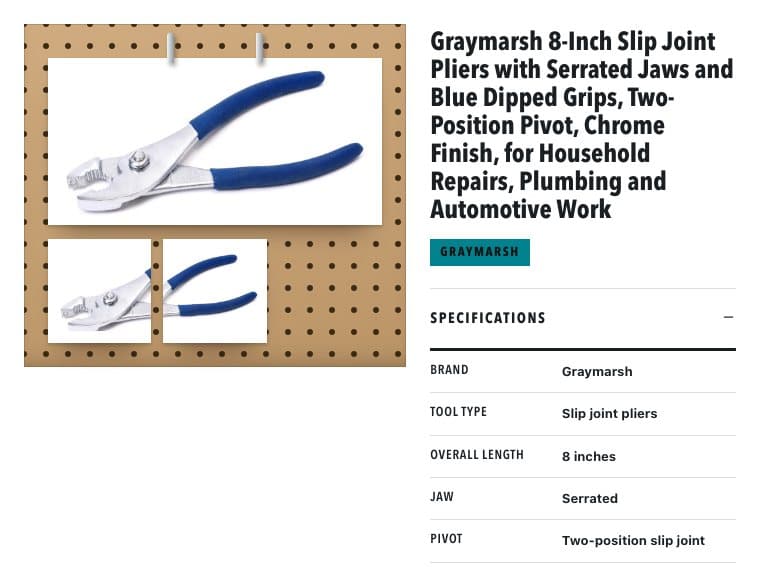
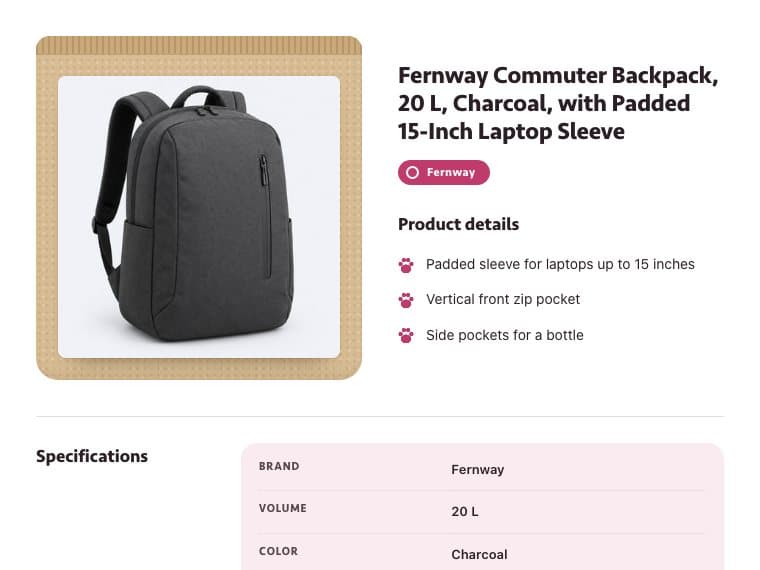
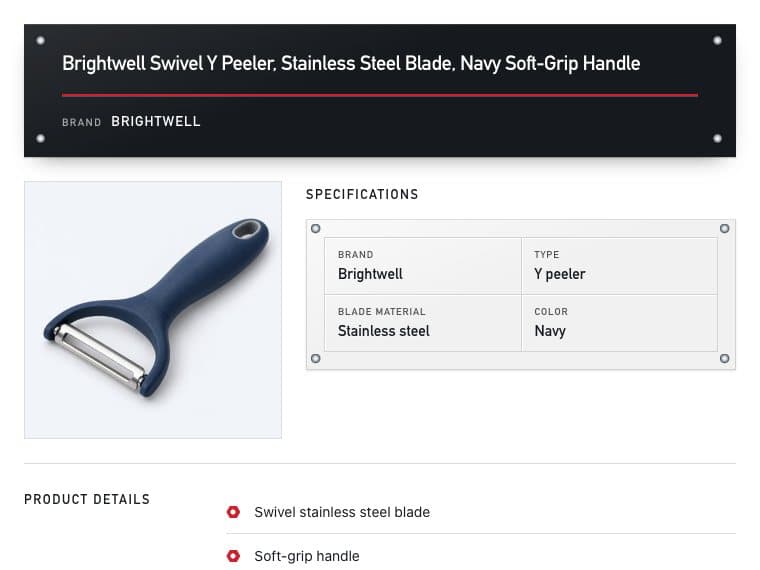
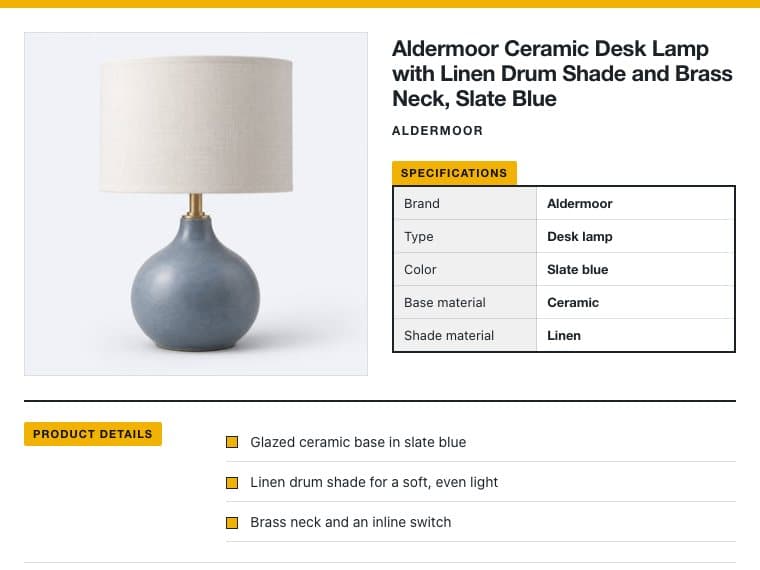
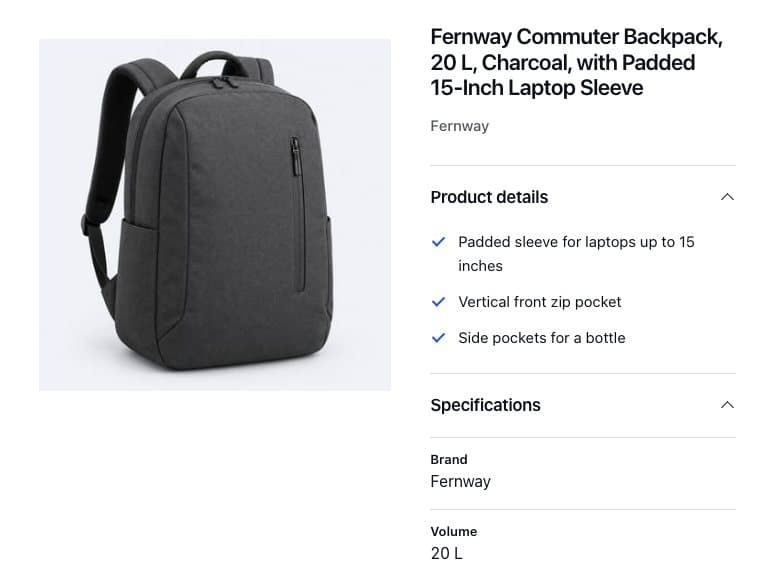
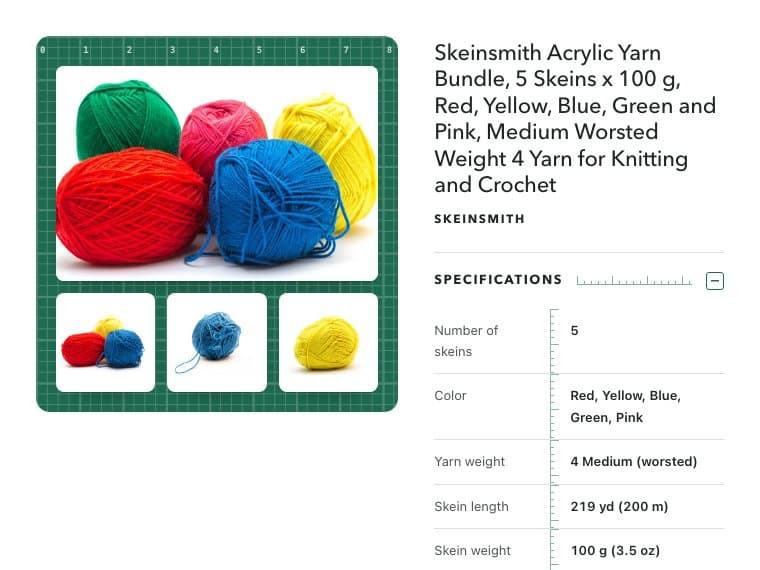

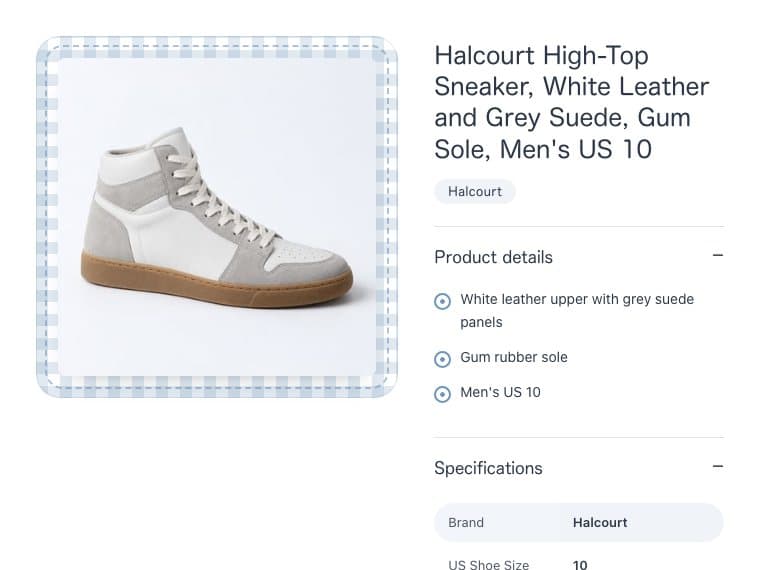
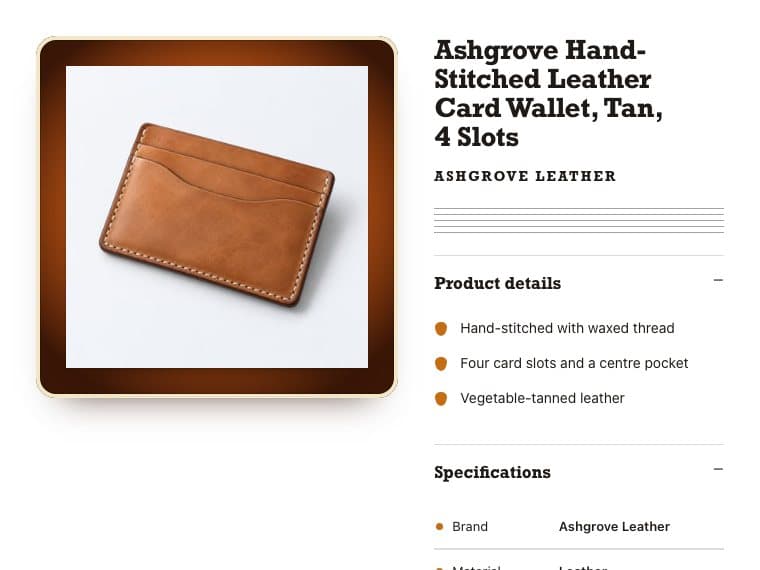
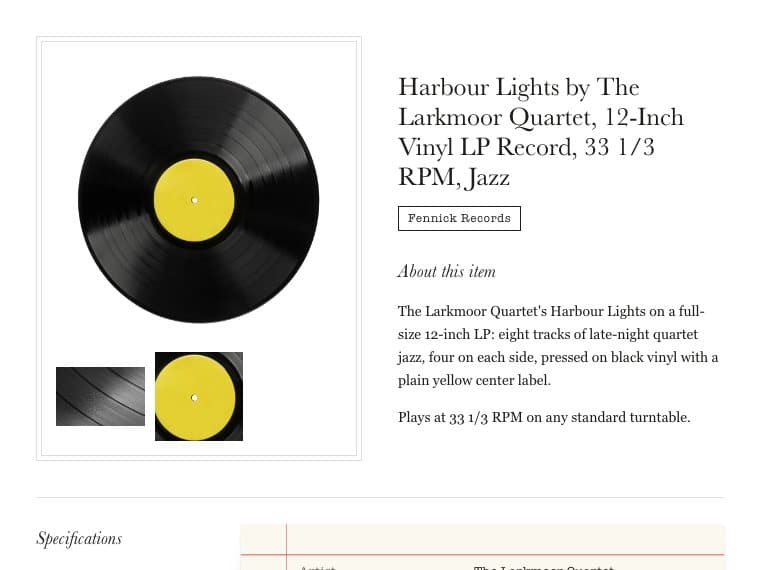
19 ready-made eBay templates
Four general designs and 15 made for eBay categories, from Electronics and Fashion to Auto Parts. Preview each one on a product of yours, as eBay’s page or the description alone.
- Essential, Showcase, Editorial, Technical and 15 made for categories
- Preview with any of your products, or an example
- Open the preview full screen

Your banner, brand and colors
Set the accent, background and text colors. Pick the layout, typography, spacing and image corners. Then add your store name, a tagline and a banner.
- Every change shows in the live preview at once
- Revert changes until you save
- Saving offers to update your live listings too

A template for each eBay category
A category rule picks the design for an eBay category and everything beneath it, and a more specific rule wins. Save a rule for new listings only, or update the matching listings already on eBay.
- Each rule shows how many products it covers
- Pause a rule without losing it
- Listings you chose a design for, or AI edited, keep theirs

One description template for every product
The template fills in each product’s title, brand, photos, description, details and specifications. You choose which parts show and in what order. Sections with nothing in them stay hidden.
- Show or hide the title, brand, ASIN, price and photos
- Move Description, Key features and Specifications up or down
- Scripts, links and forms are stripped from product text

Responsive on phones
Each design has a phone layout. Below 520 pixels wide, its columns stack into one and the spacing tightens. Switch the preview to Mobile to check it before you save.
- Preview at 1200 px for desktop or 375 px for mobile
- Photos shrink to fit the screen
- HTML and CSS only, with no JavaScript

Where custom eBay listing templates help
Hundreds of Amazon products, one store look
Imported descriptions all look alike. Pick a design and add your store name and banner once. Every listing you publish after that carries them.
DropshippingKitchenware and dog beds in one store
Category rules give Home & Garden its blue-and-white striped design and Pet Supplies its kraft-bag design. You publish as usual, and each listing gets its category’s design.
A new banner without relisting
Change your colors or banner and save. Productivo then updates the live listings that use the store template on eBay. Listings with a design of their own keep it.
Buyers shopping on a phone
Each design stacks into one column on small screens. Photos, details and specs stay easy to read without zooming in.
Your own stock, the same look
Add wholesale stock by hand or by CSV, and those listings use your store’s templates too. Buyers see one store, wherever the product came from.
WholesaleHandmade work on a crafts design
The Crafts design sets each piece on a gridded cutting mat, with its specs measured off a ruler. Give it a category rule, and your handmade listings get it.
Handmade
Questions about custom eBay listing templates
Doing it by hand? eBay listing checklist: optimize each listing before you publish · Free eBay listing templates: pick a design, add your item, copy the HTML
Yes. You pick a design and set colors, fonts and your banner from menus. Productivo writes the HTML for each listing when it publishes.
No. The templates in eBay’s Seller Hub save a listing’s details to reuse on the next one. These templates design the description buyers read.
Yes. Every design has a phone layout: below 520 pixels wide, its columns stack into one. The preview shows the 375-pixel phone view before you save.
Any public HTTPS image link works. The template shows the banner at up to 700 pixels wide and 230 tall, scaled down to fit.
Yes. Saving the store template or a category rule offers to update the matching live listings. Listings you picked a design for, and AI-edited listings, keep theirs.
A design you pick at publish comes first. Next comes the closest category rule, then the store template. A rule covers its eBay category and every subcategory beneath it.
Still have questions?
Ask our team in live chat.